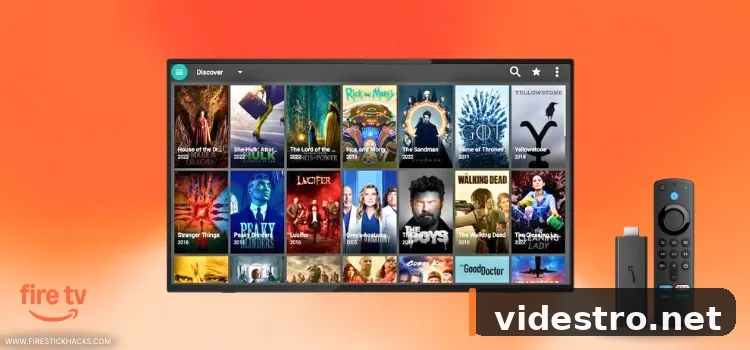
How to Install FilmPlus on FireStick (Latest APK v2.4.8) – Complete Guide
⬇ How to Install FilmPlus on FireStick Using Downloader
FilmPlus is not listed on the Amazon App Store, so you'll need to sideload the APK using the Downloader app. The process involves three stages: enabling developer options, installing Downloader from the Amazon Store, then using it to grab the FilmPlus APK.
Follow each step carefully — the screenshots below show exactly what you'll see on your screen.
Power on your Fire TV Stick and make sure you're on the main Home screen.
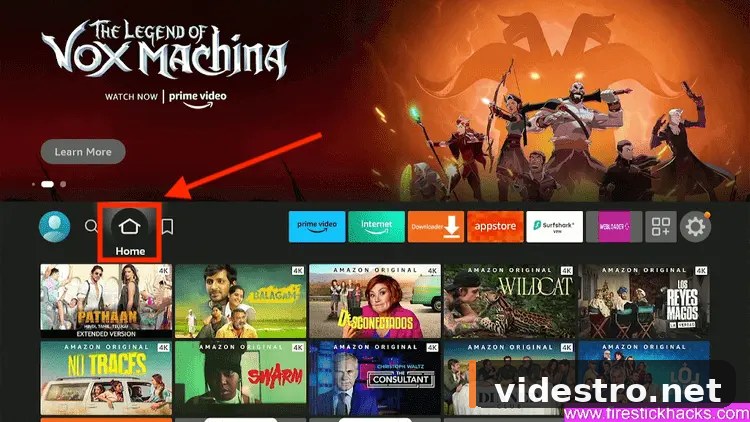
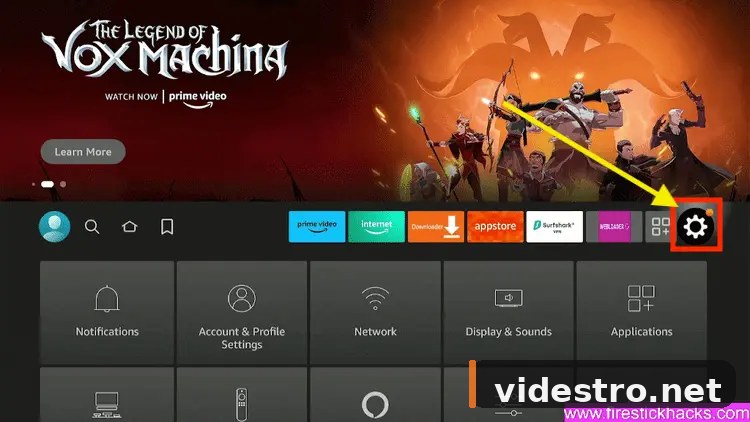
From the top menu bar, navigate to and click the Settings gear icon.
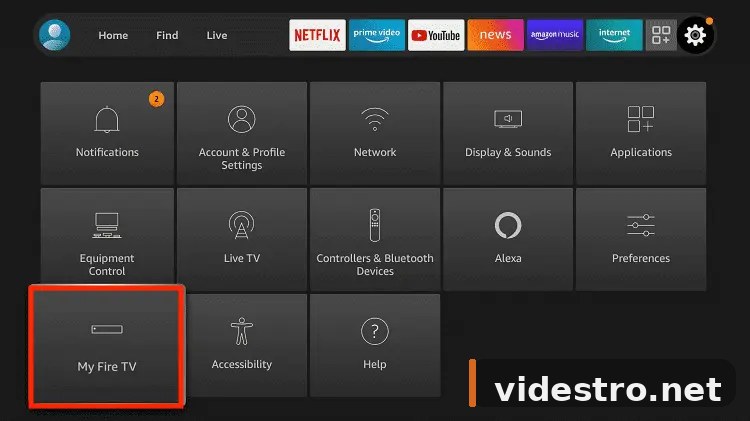
Inside Settings, scroll and select My Fire TV.
Click About to access the hidden developer unlock.
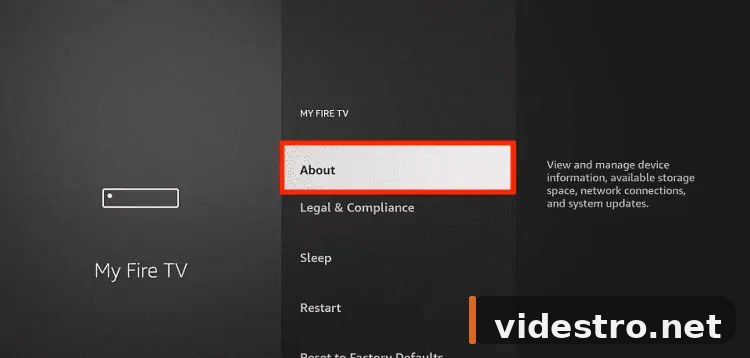
Quickly click the Fire TV Stick option at least 7 times in a row to unlock Developer Mode.
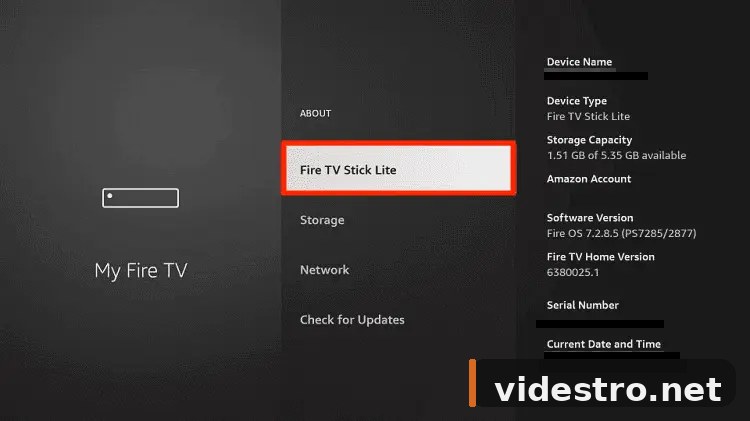
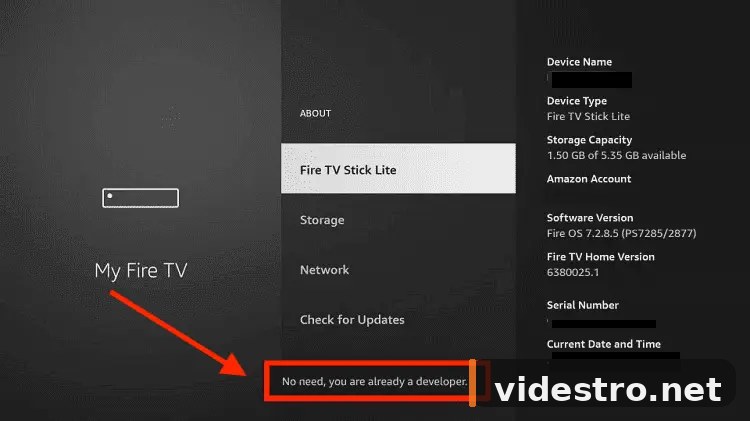
You'll see a message at the bottom: "No need, you are already a developer." This confirms developer mode is now on.
Developer Options now appears in your My Fire TV menu. Click it.
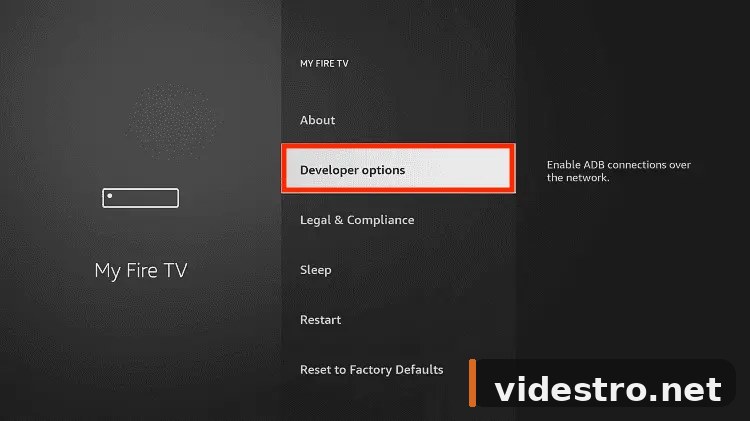
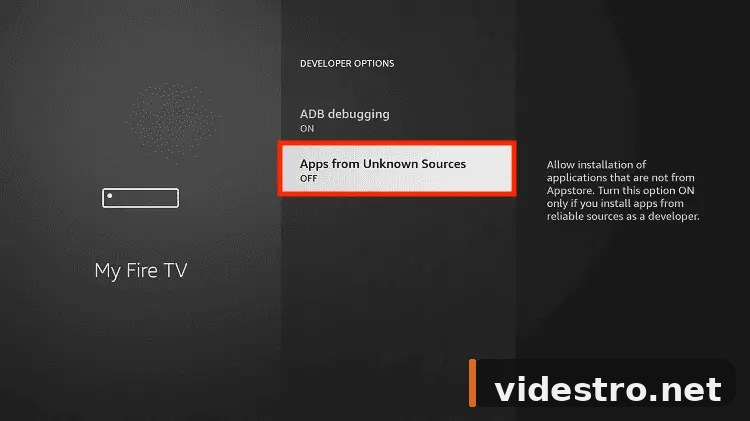
Select Apps from Unknown Sources to allow sideloading APKs.
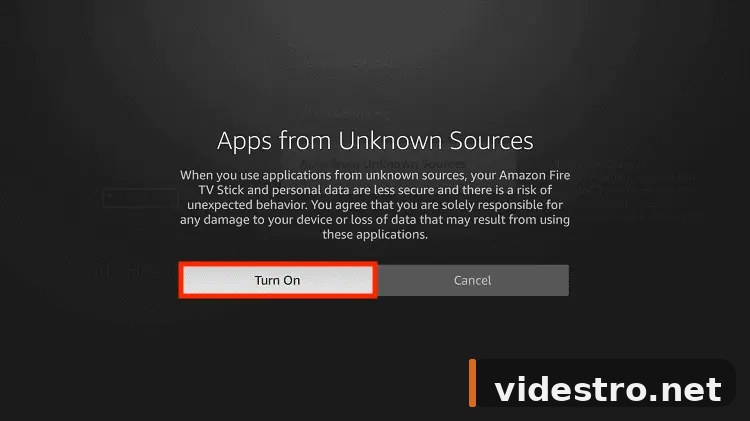
A warning prompt will appear. Click Turn On to confirm.
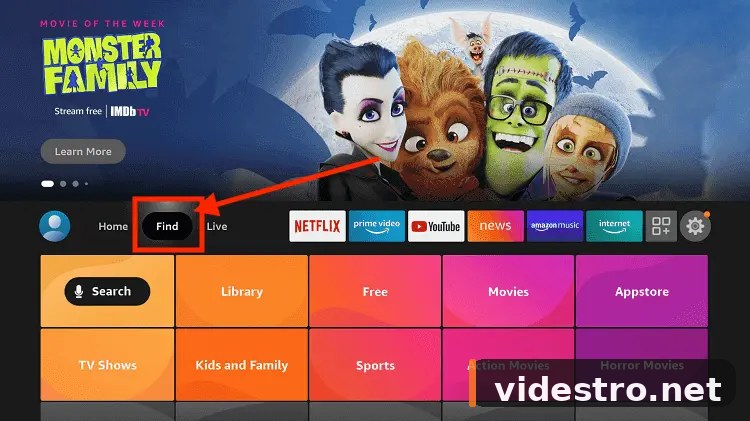
Press the Home button on your remote to go back to the main screen, then click Find.
Select the Search icon.
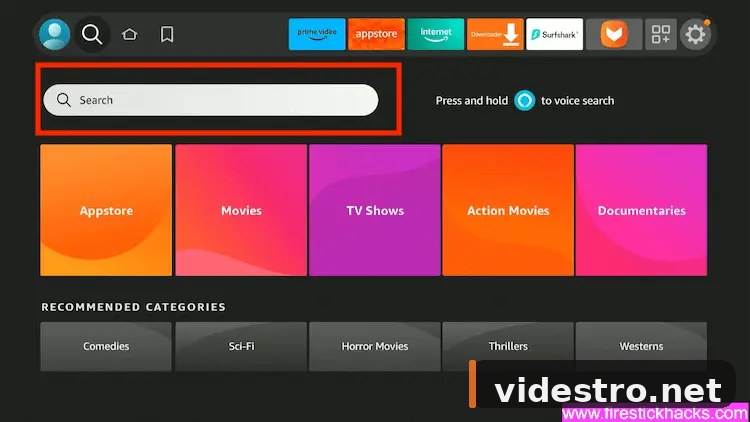
Type Downloader and press the search button.
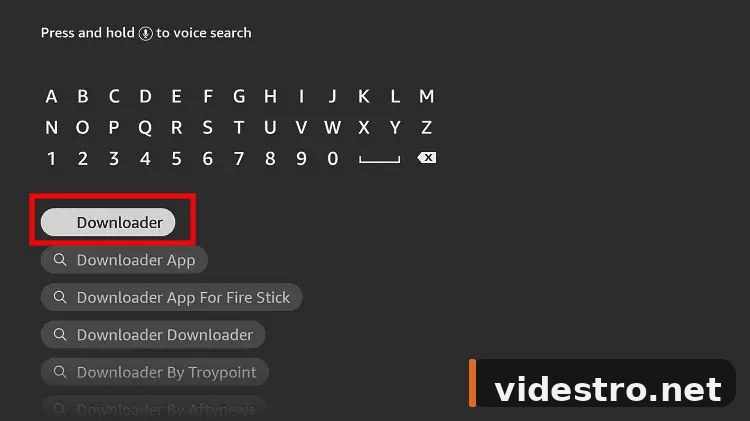
From the results, select the official Downloader app icon.
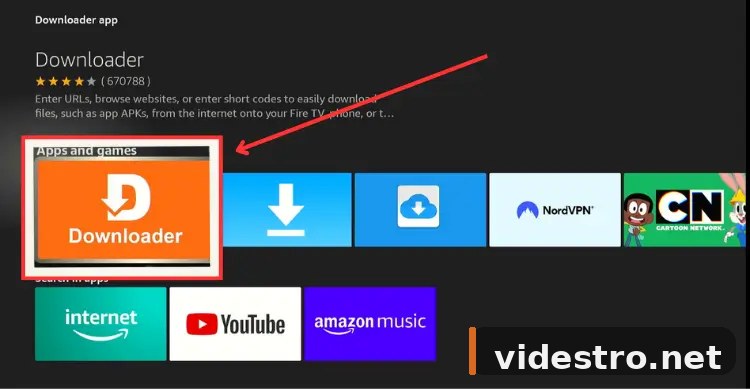
Click Get or Download to install the Downloader app.
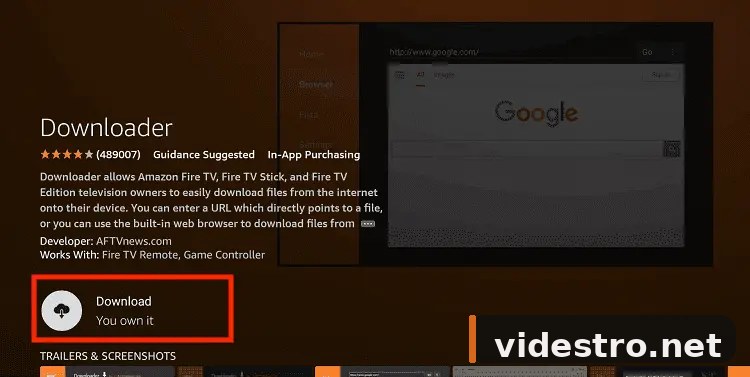
Give it a moment to finish downloading and installing.
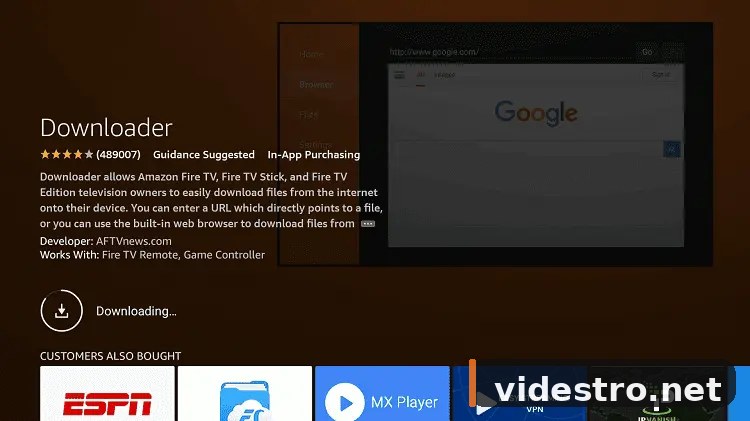
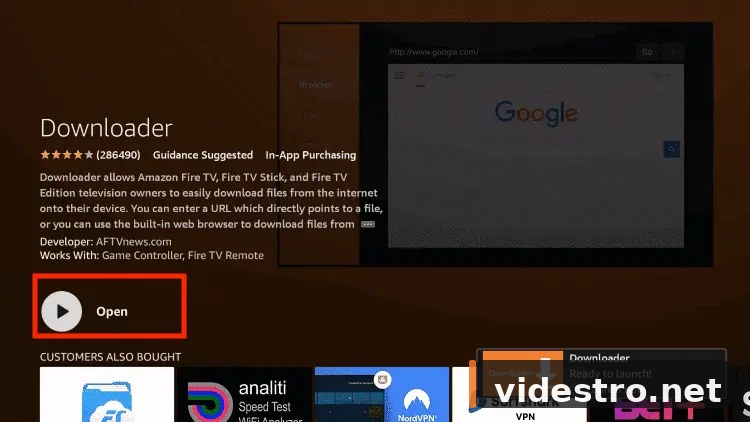
Once installed, click Open.
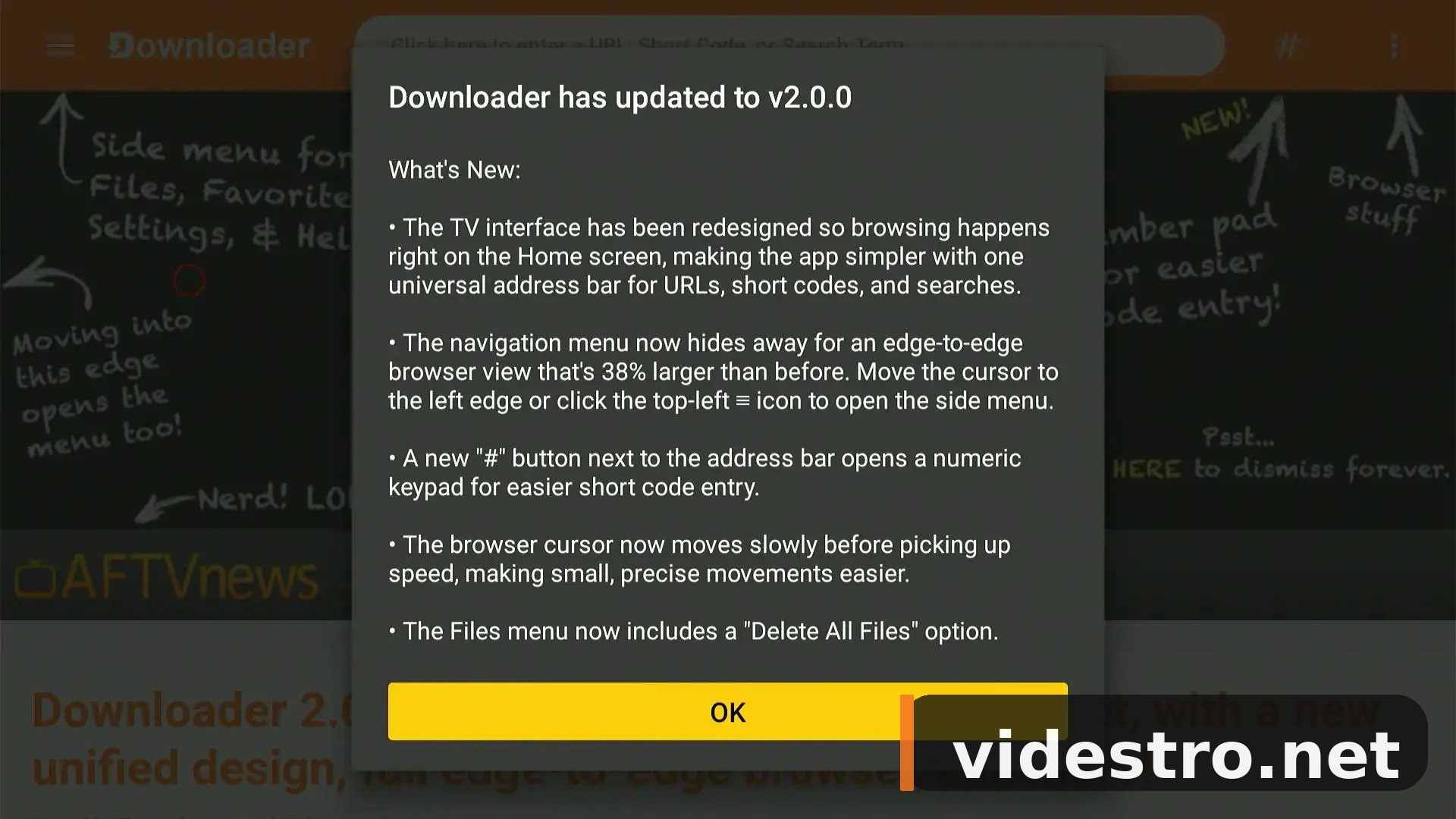
A popup about the latest Downloader update may appear. Click OK.
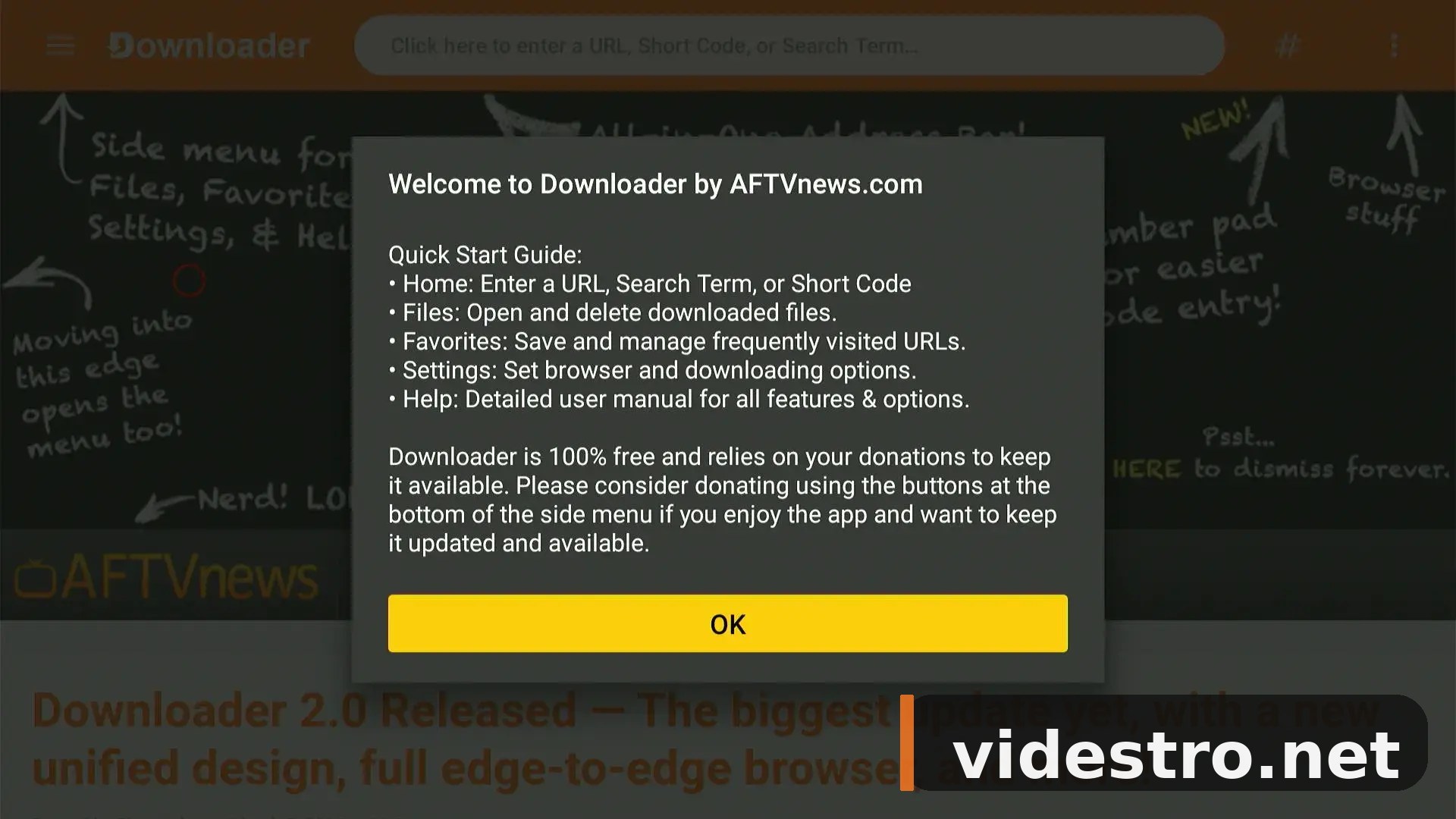
Dismiss the second prompt by clicking OK.
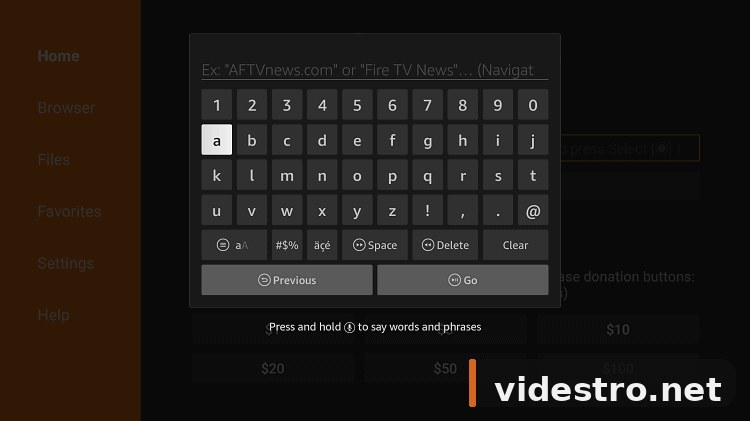
This is the Downloader home interface. Click the URL/Search bar at the top.
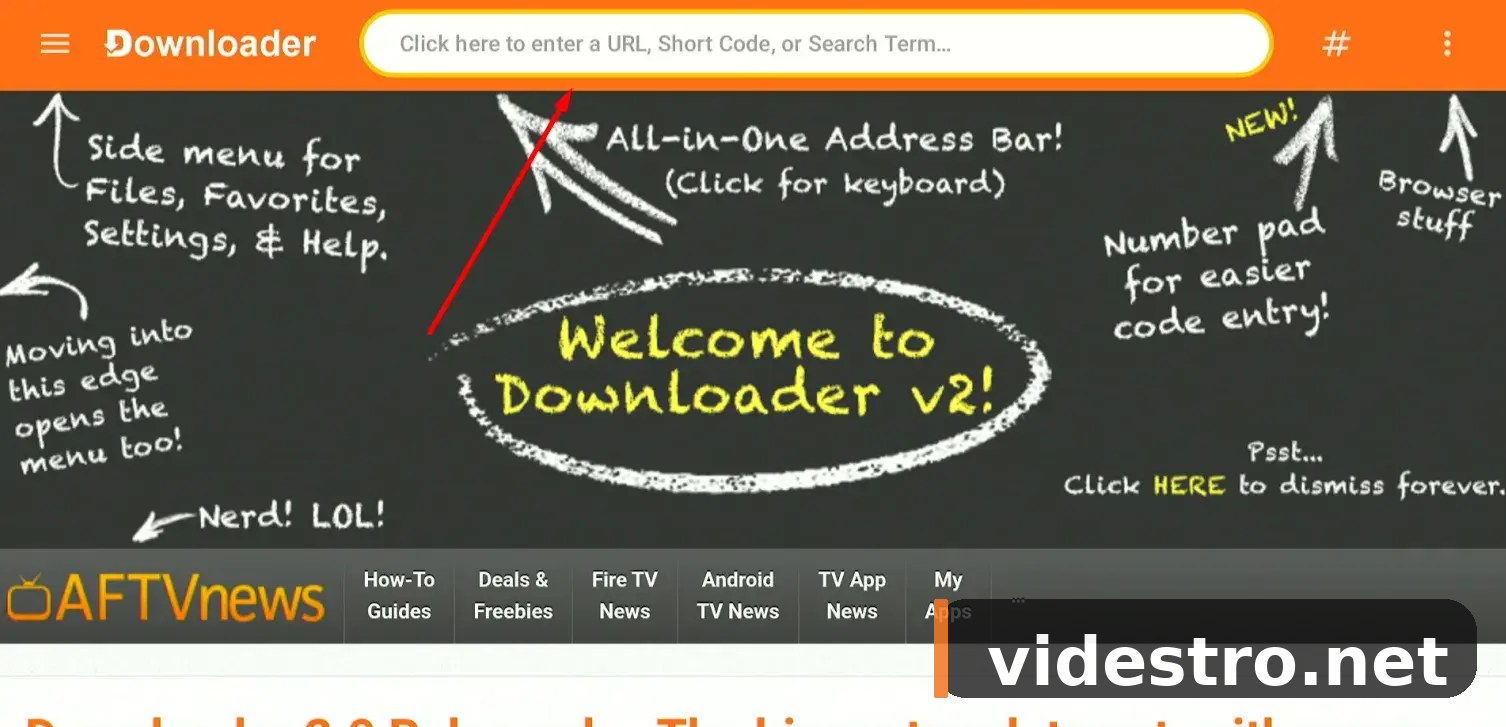
In the search bar, enter the direct APK URL for FilmPlus. You can also use a Videstro short code if you have one — just type it in the bar.
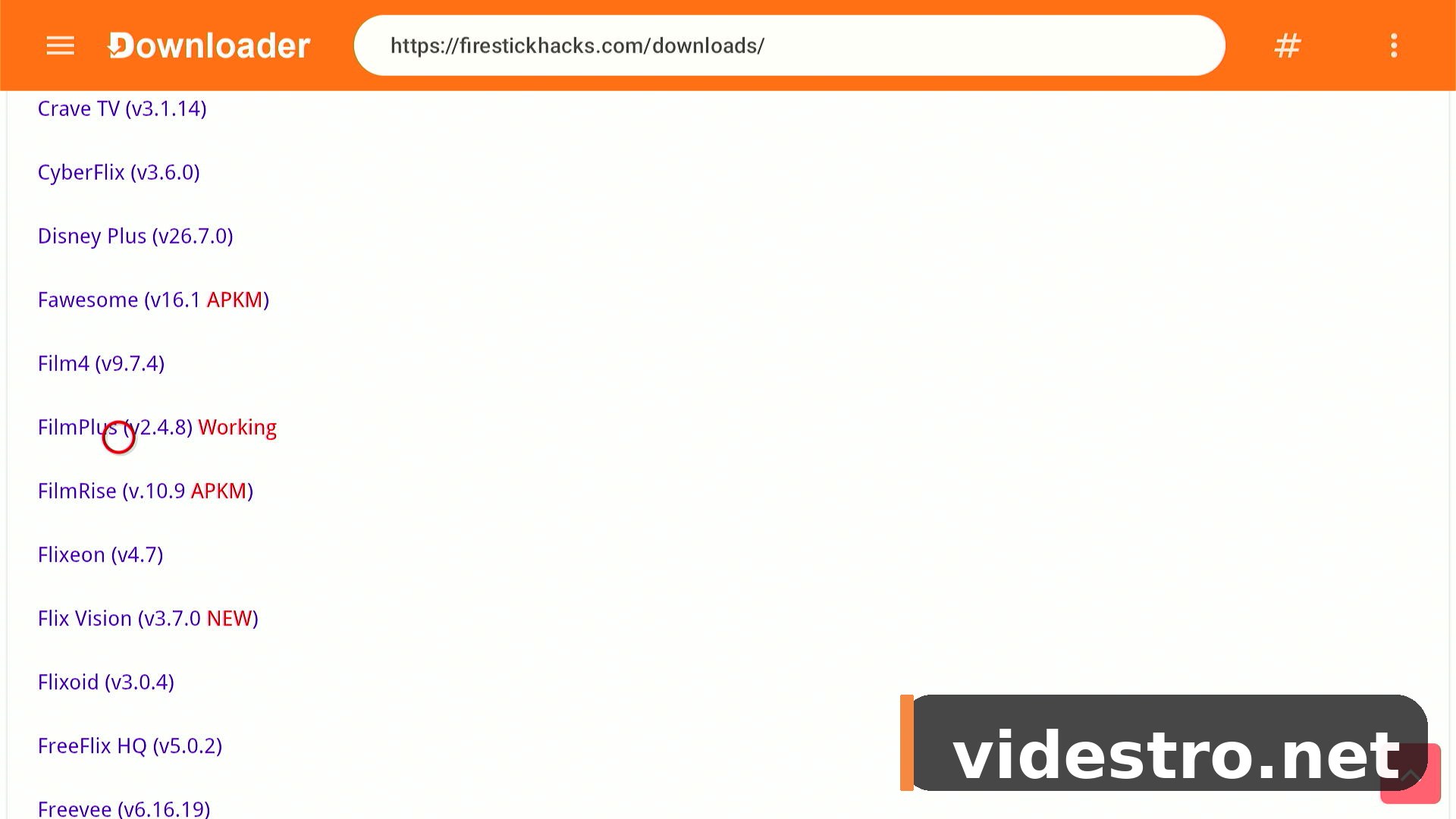
Scroll through the page and select FilmPlus from the Movies & TV Shows section.
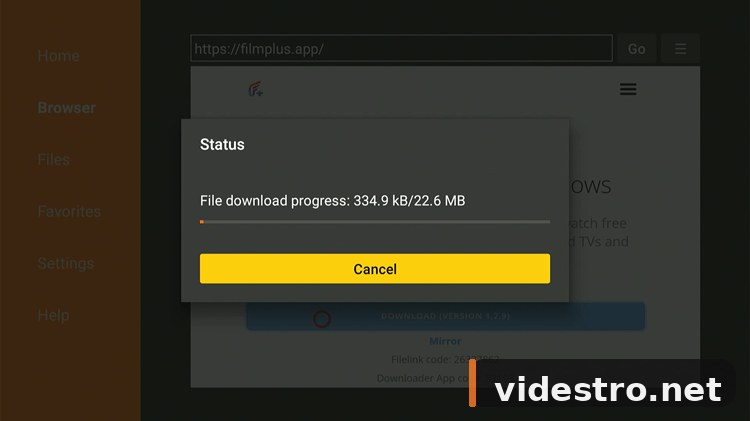
The FilmPlus APK will start downloading. Wait for it to complete.
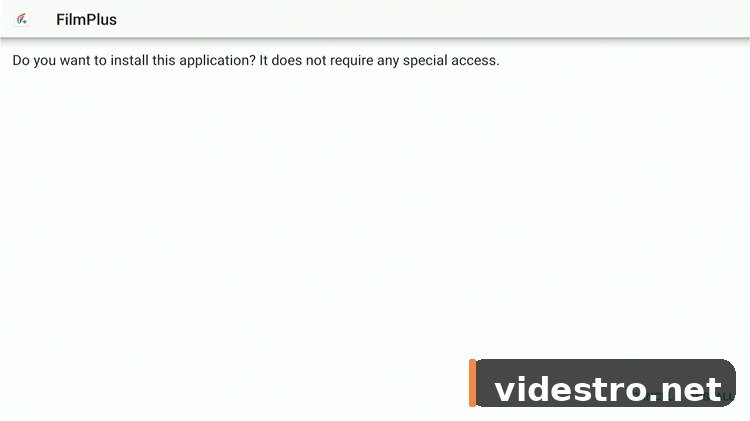
Once downloaded, click Install on the prompt that appears.
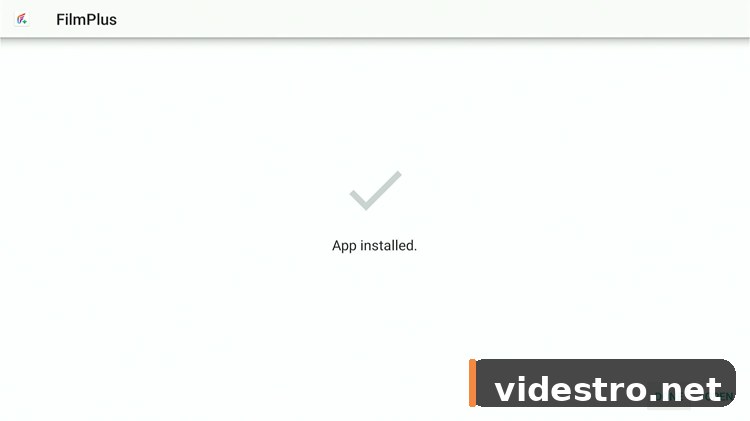
FilmPlus is now installed! Click Done.
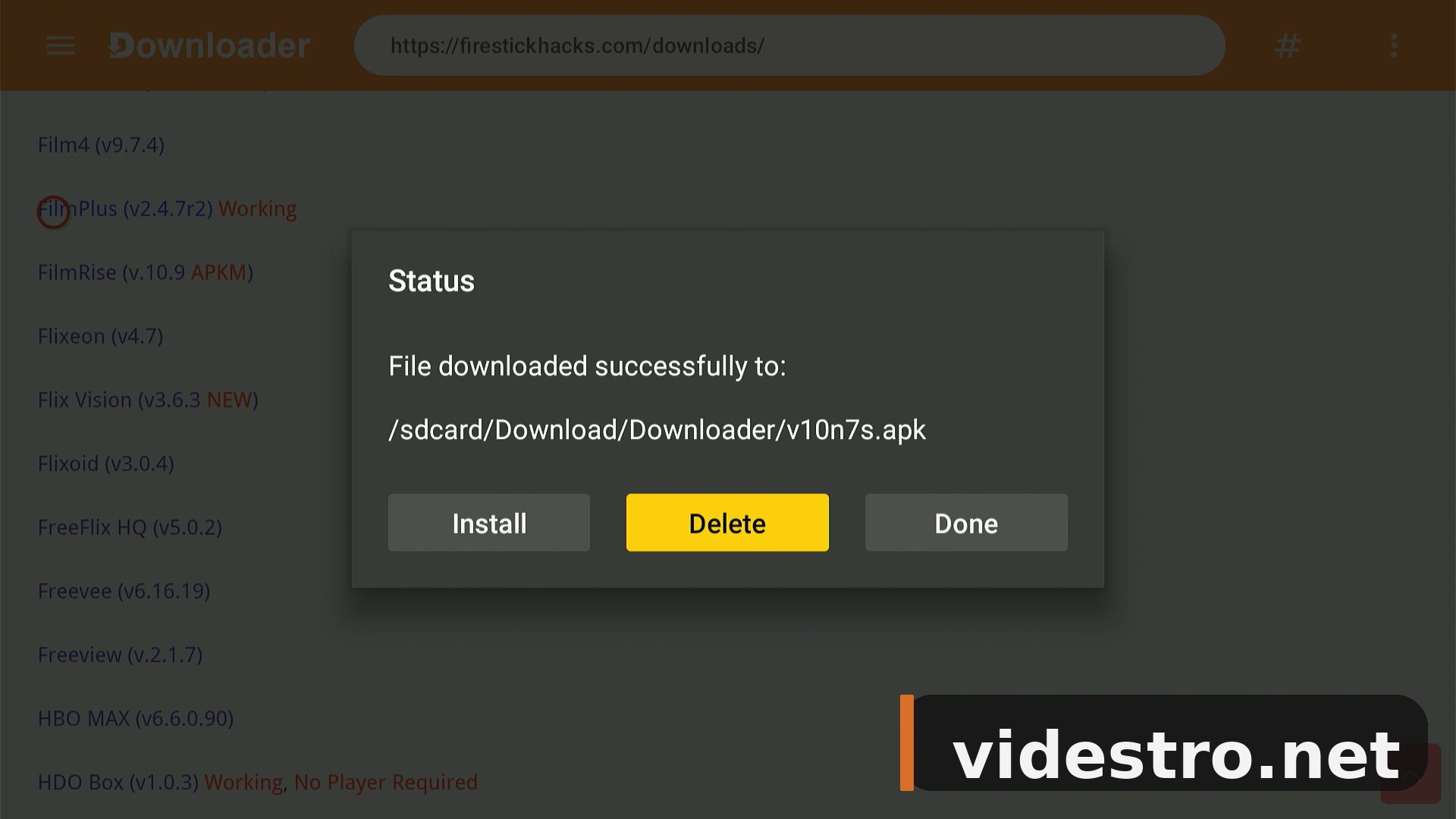
To free up storage on your FireStick, click Delete to remove the APK installer.
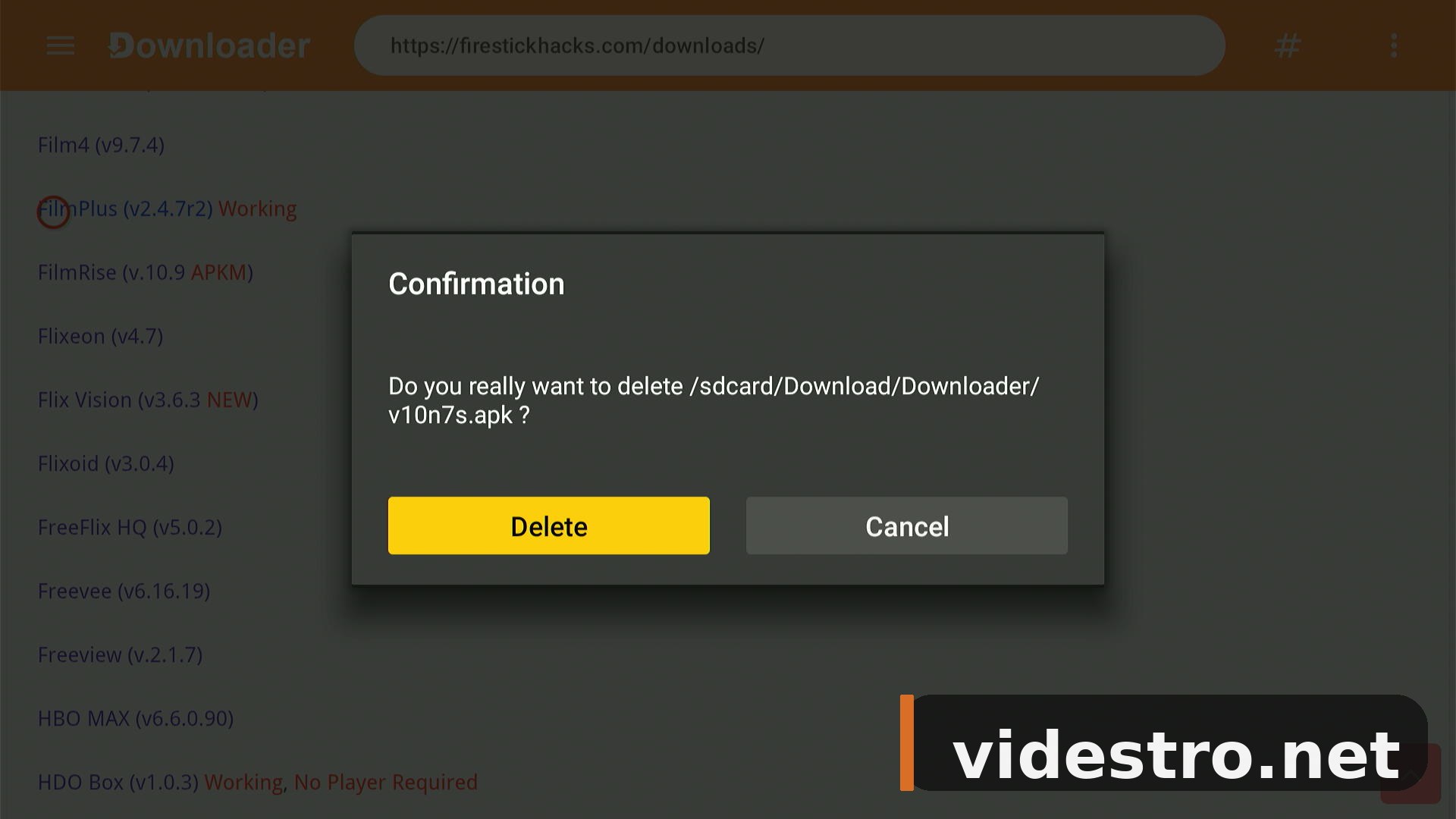
Click Delete once more to confirm. FilmPlus is fully installed and ready to use.
▶ How to Use FilmPlus on FireStick
Now that FilmPlus v2.4.8 is installed, here's how to open it and start streaming your favourite movies and shows.
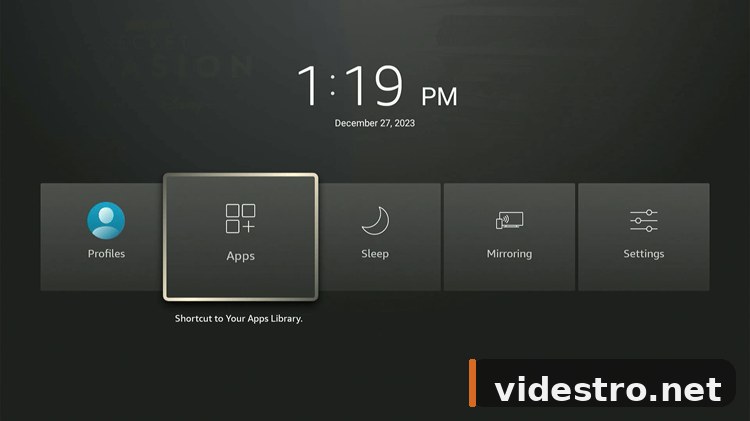
Press and hold the Home button on your remote, then select Apps.
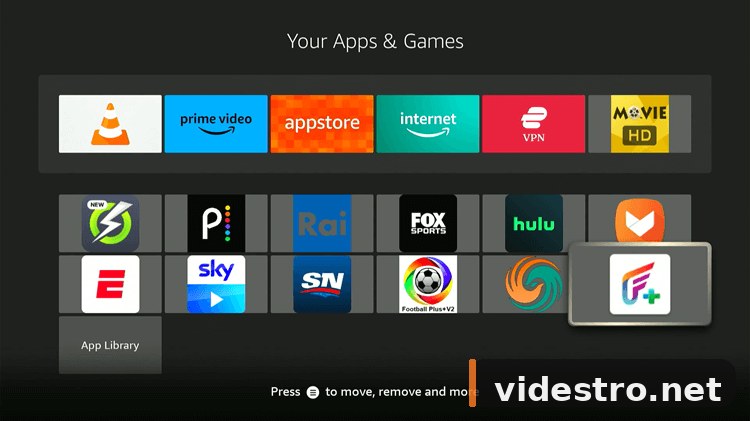
Scroll through your apps and click the FilmPlus icon.
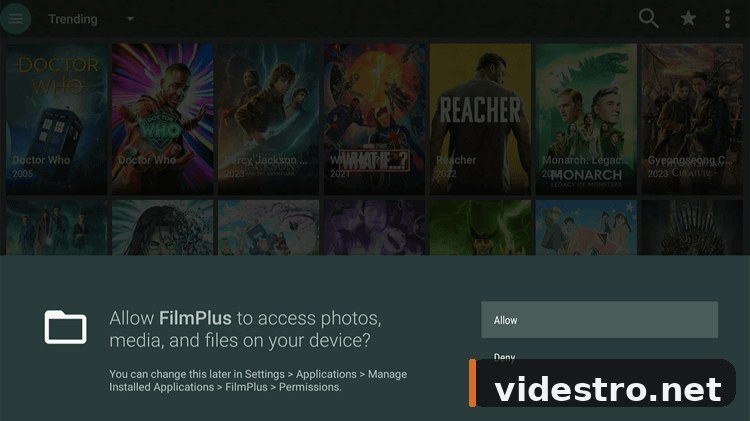
FilmPlus will ask for permission to access media on your device. Click Allow.
You're now inside FilmPlus. Browse through movies, TV shows, documentaries and anime on the home screen.
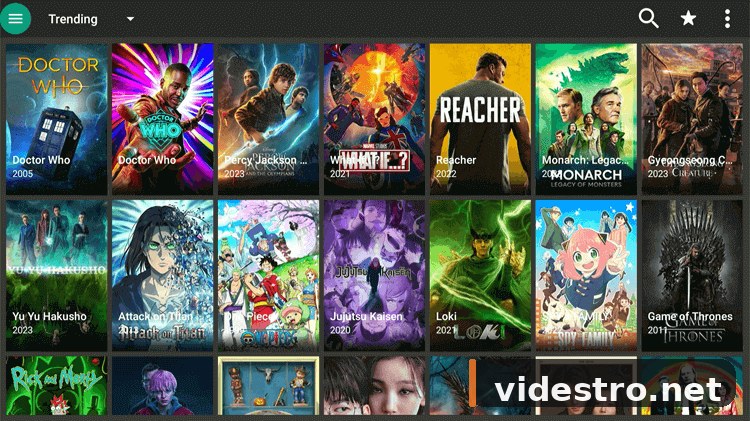
Pick any movie or TV show you want to watch.
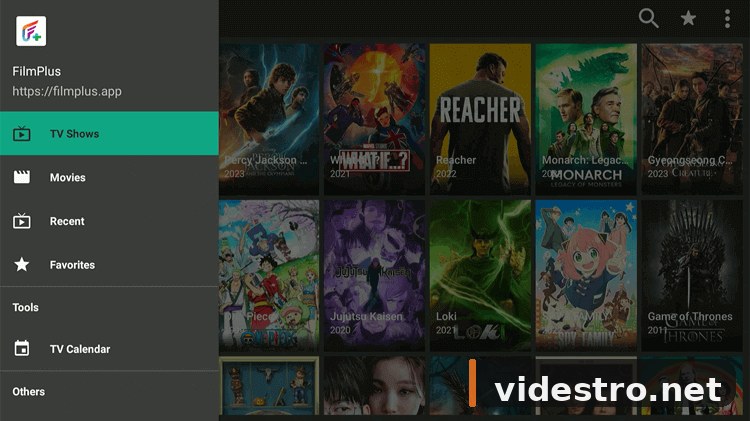
Select the specific title (e.g. a blockbuster movie or a TV series episode).
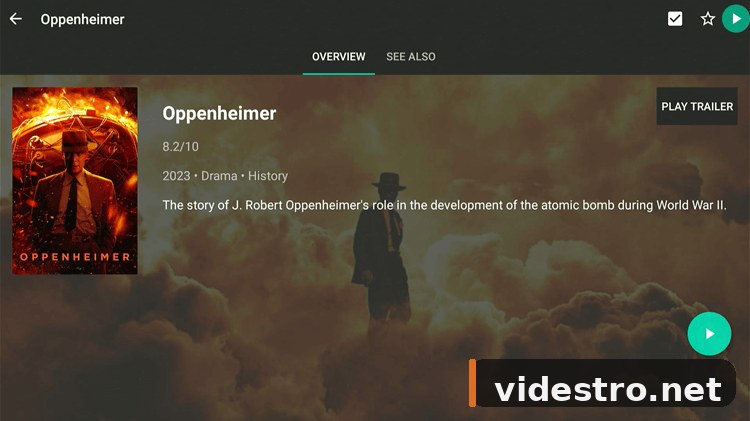
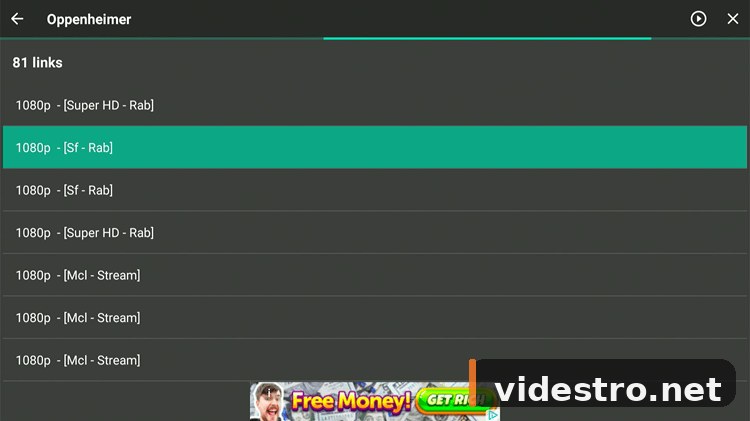
FilmPlus shows multiple streaming links. Click any link — try another if one doesn't work.
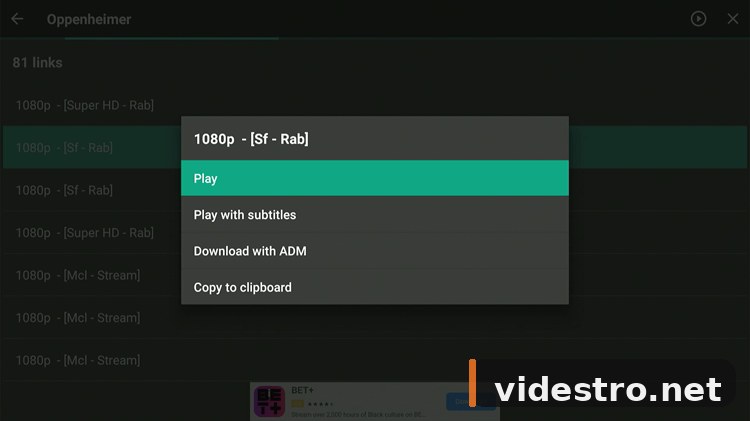
Hit Play to start streaming.
Your selected movie or show is now streaming in HD on your FireStick.

⚡ How to Connect Real-Debrid to FilmPlus
Real-Debrid is a premium unrestricted downloader service that unlocks high-quality, buffer-free streaming links inside FilmPlus. A subscription costs around €3/month and dramatically improves stream quality.
Inside FilmPlus, click the menu (hamburger) icon.
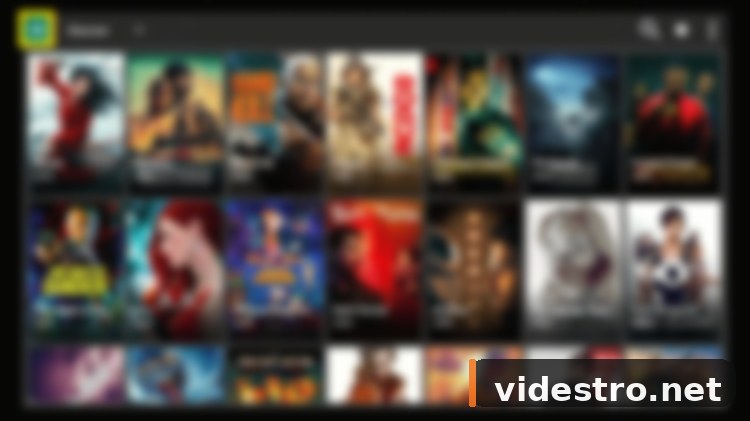
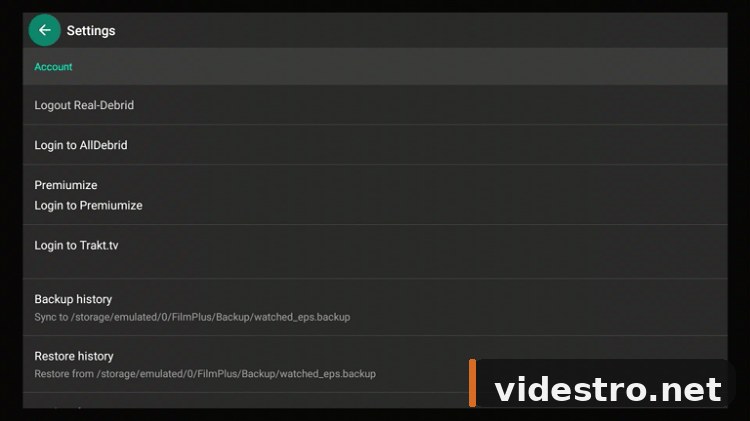
Select Settings from the menu.
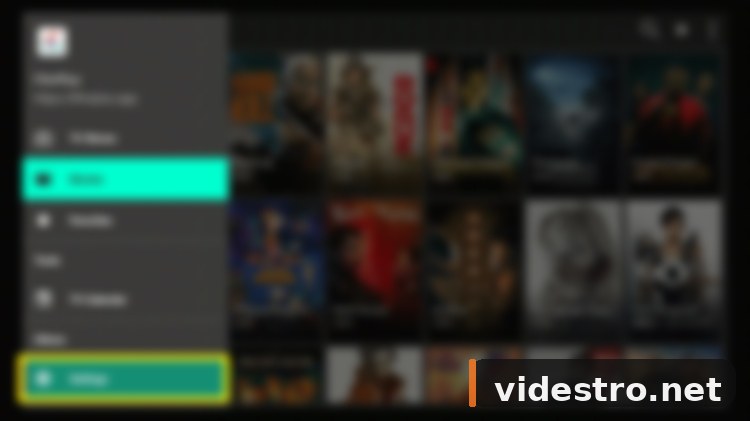
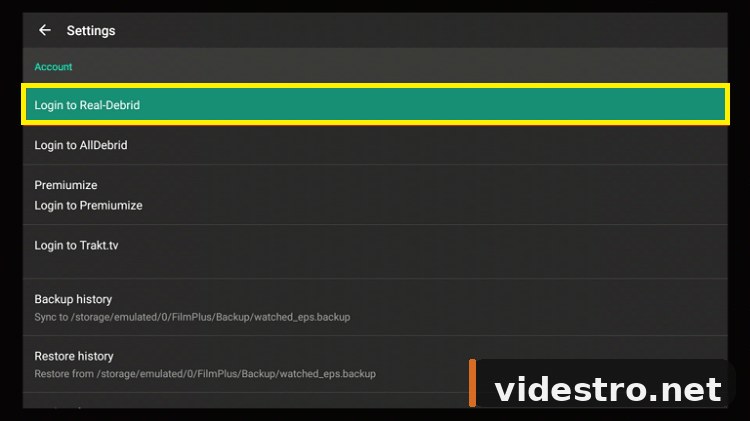
Select the Login to Real-Debrid option.
An activation code will appear on screen. Write it down or keep it visible.
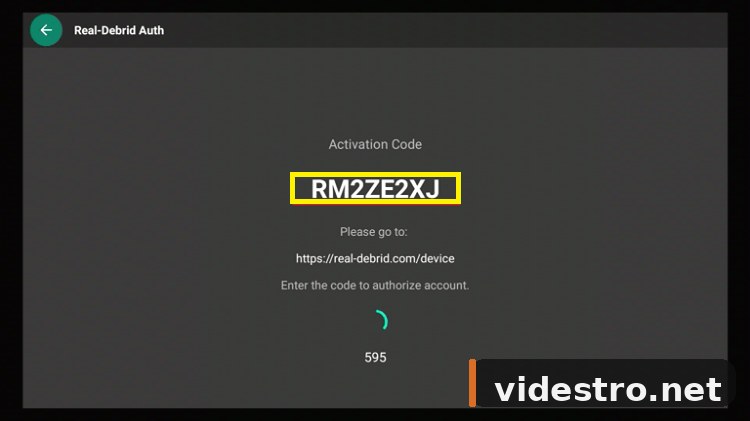
On any browser, go to real-debrid.com/device, enter your activation code and click Continue.
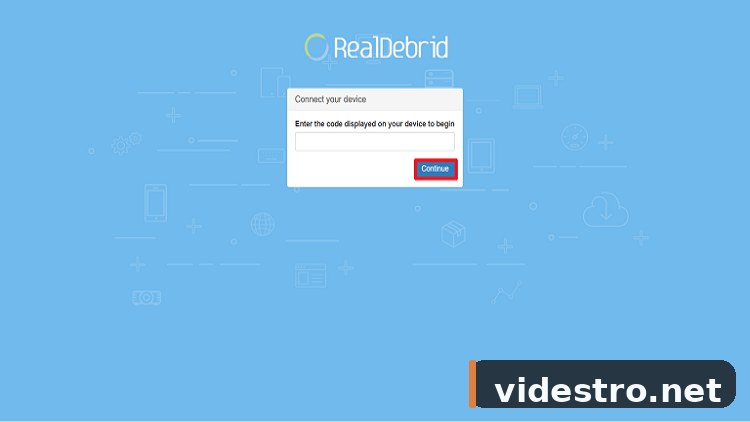
Wait for confirmation. Once done, Real-Debrid is fully integrated with FilmPlus — you'll now see premium links in your stream list.
💬 How to Turn On Subtitles in FilmPlus
FilmPlus has built-in subtitle support. Here's how to enable them:
Pick the movie or show you want to watch, then choose a streaming link.
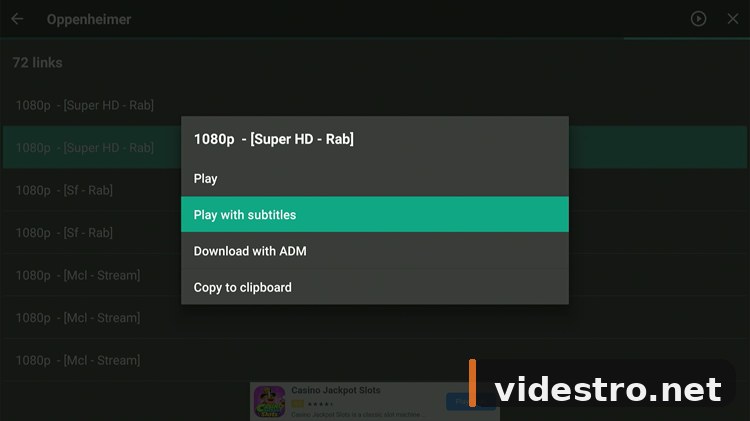
Pick any available link from the list of sources.
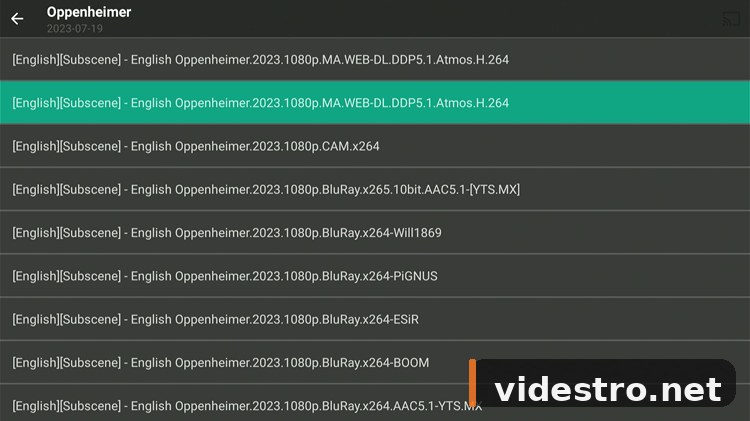
Instead of the regular Play button, select Play with Subtitles. Your content will now stream with subtitles enabled.

🔒 Is FilmPlus Safe to Use?
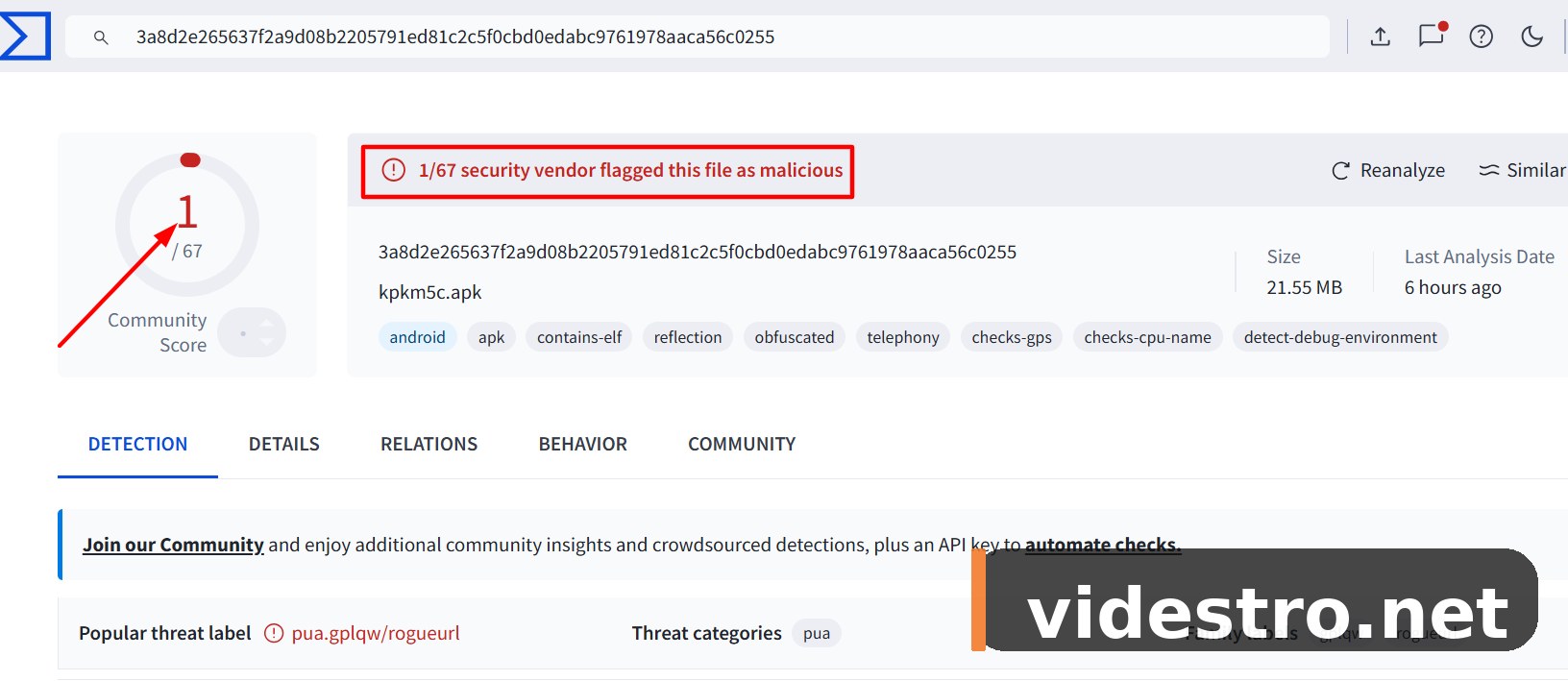
The FilmPlus APK v2.4.8 was scanned on VirusTotal and flagged by a single vendor — which is a common false-positive for apps that access streaming URLs. Since you delete the APK file immediately after installation, the risk is minimal and the installed app itself is safe to use.
That said, FilmPlus streams content that may fall into a legal grey area depending on your country. The content is user-aggregated from third-party sources, which means its legal status varies by region. To protect your privacy and hide your streaming activity from your ISP, using a reputable VPN is highly recommended.
ℹ FilmPlus App Overview
| Property | Details |
|---|---|
| Content Type | Movies, TV Shows, Documentaries, Anime |
| Price | 100% Free |
| Latest Version | v2.4.8 |
| App Size | ~22 MB |
| Safe to Use? | Yes (delete APK after install, use a VPN) |
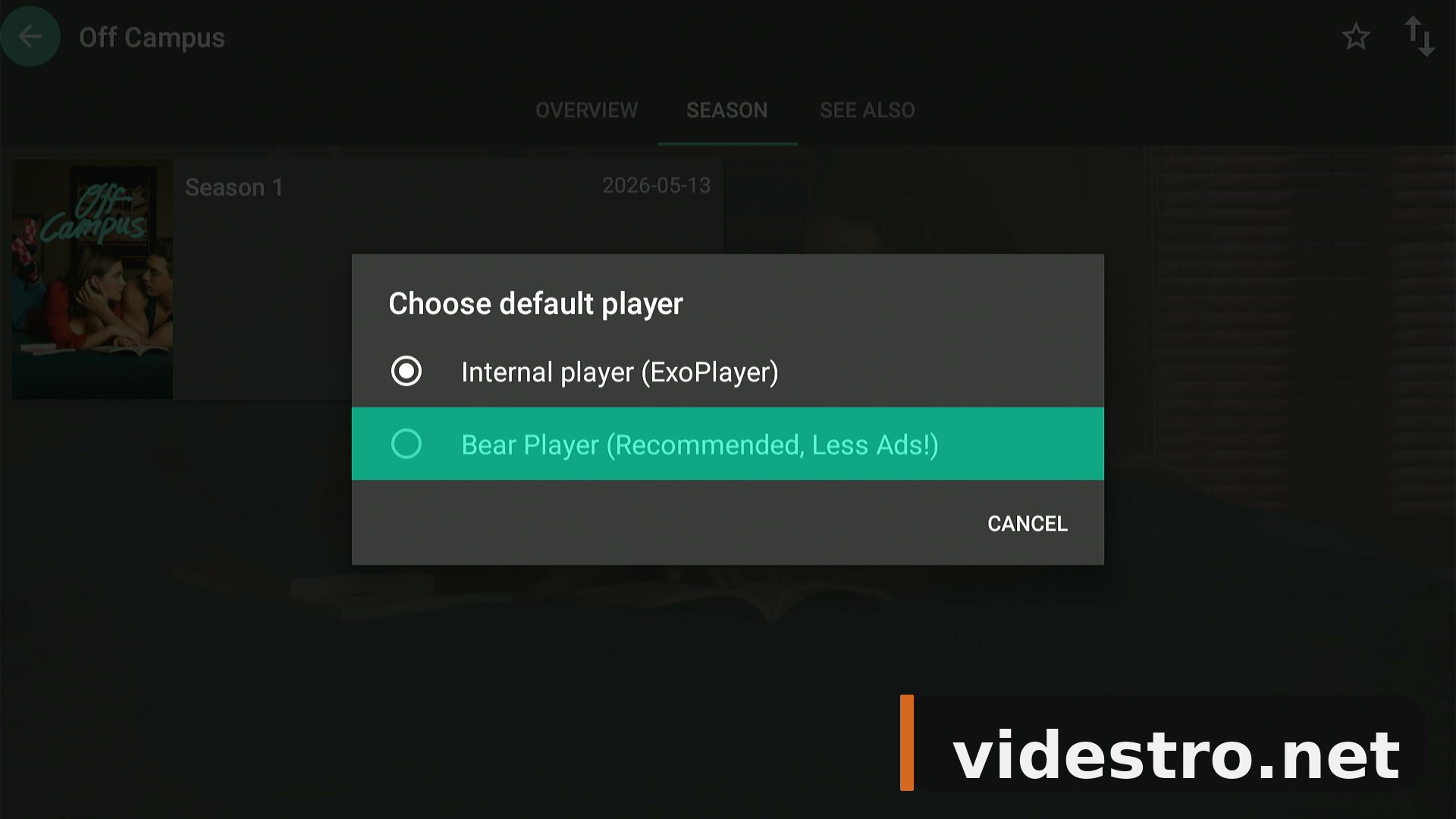
| Recommended Player | Bear Player (Fluid Player) |
| Subtitle Support | Yes |
| Real-Debrid Support | Yes |
| Trakt Support | Yes |
★ Key Features of FilmPlus
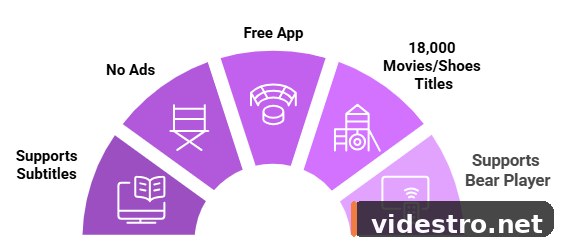
🔧 FilmPlus Not Working? Try These Fixes
If you're experiencing buffering, crashes, or stream errors, work through these quick fixes in order:
- Restart your internet router and wait 60 seconds before reconnecting
- Clear the FilmPlus app cache (Settings → Applications → Manage Installed Applications)
- Close any background apps running on your FireStick
- Restart your FireStick (Settings → My Fire TV → Restart)
- Try a different streaming link — some sources go offline periodically
- Connect via Ethernet adapter for a more stable connection
- Set video resolution to 1080p or 4K in the app settings
- Uninstall and reinstall the latest FilmPlus APK v2.4.8
🔄 FilmPlus Alternatives
If FilmPlus isn't working or you want to try other free streaming apps for FireStick, here are the best alternatives:
❓ FAQs — FilmPlus on FireStick
Conclusion
FilmPlus v2.4.8 is one of the best free streaming apps available for FireStick right now. With a massive library of movies, TV shows, anime, and documentaries — all in HD — it's a solid choice for cord-cutters.
The installation takes about 5 minutes following this guide, and once set up with Bear Player and optionally Real-Debrid, you'll have a near-premium streaming experience completely free.
Need to share an APK link with someone on their FireStick? Use go.videstro.net — Videstro's free URL shortener — to create a short numeric code they can type directly into the Downloader app.